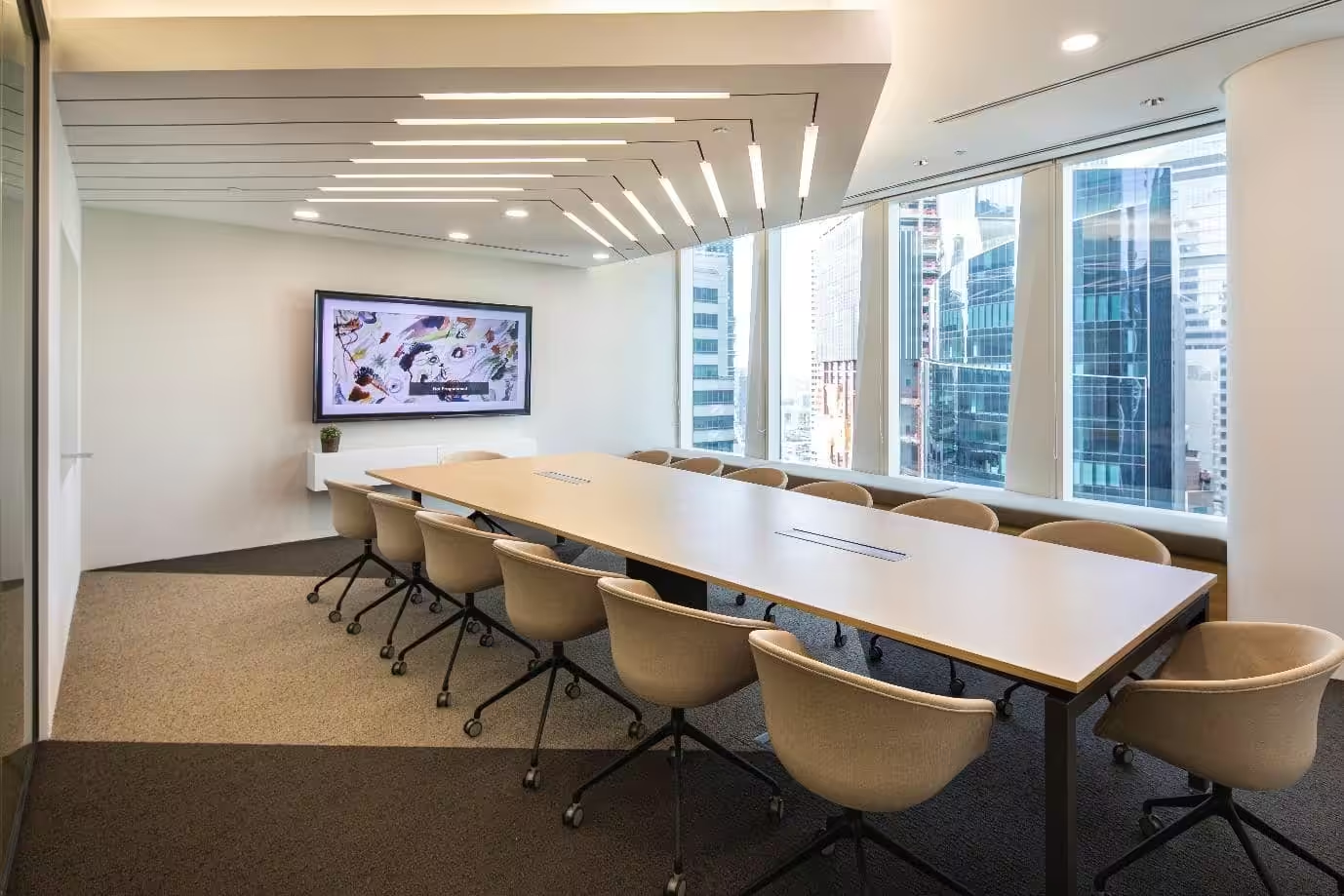
Workplace performance depends on how well key systems are designed and managed. Many companies focus only on people or tools, but real results come from aligning the full set of elements of productivity. This OSCA’s article breaks down the seven core elements that directly impact output and provides clear, step-by-step methods to apply them in real work settings.
1. The 7 key elements of productivity in modern workplaces
This section breaks down the 7 core elements of productivity that directly affect workplace performance. Each element includes practical steps so you can implement them without external support.
1.1 Clear goals and prioritization
Clear goals define direction. Without them, teams lose time on low-value tasks. This is one of the most critical work elements in any system.
Step-by-step implementation:
- Define SMART goals:
- Specific: State exactly what needs to be done
- Measurable: Add metrics (e.g., increase output by 15%)
- Achievable: Match resources with scope
- Relevant: Align with business objectives
- Time-bound: Set deadlines
- Use OKRs (Objectives and Key Results):
- Objective: What you want to achieve
- Key Results: How you measure success
- Prioritize tasks using a simple matrix:
|
Priority Level |
Action |
|
High impact + urgent |
Do immediately |
|
High impact + not urgent |
Schedule |
|
Low impact + urgent |
Delegate |
|
Low impact + not urgent |
Eliminate |
- Avoid multitasking overload:
- Limit active tasks to 2–3 per person
- Use task batching for similar work
Practical tip: Review goals weekly. Adjust based on real output, not assumptions.
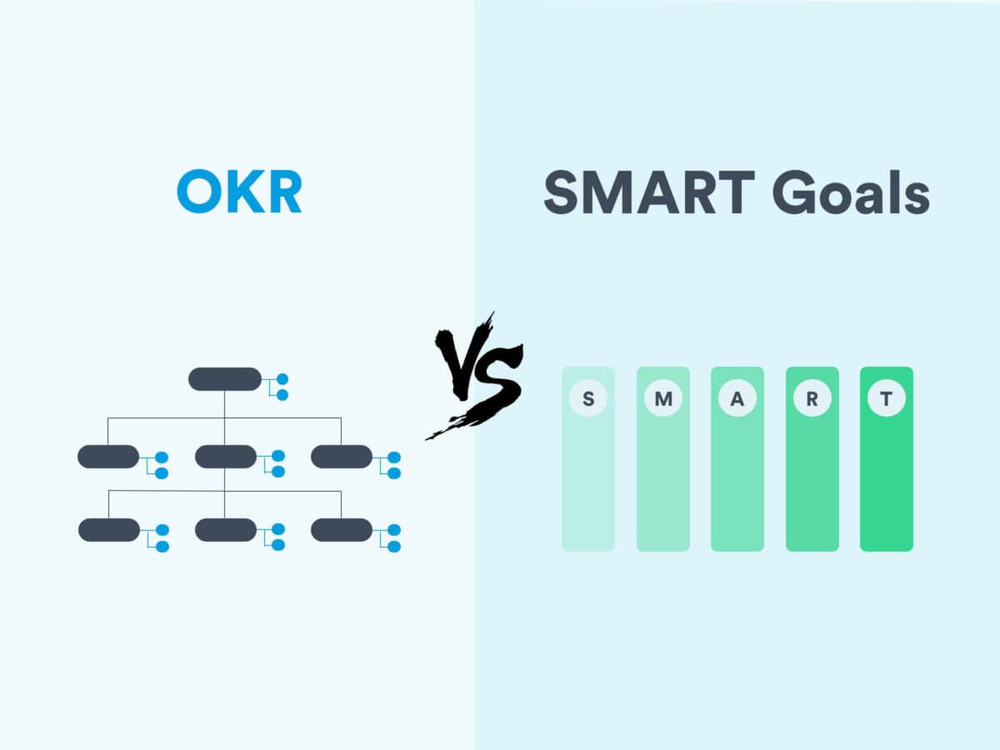
Setting SMART goals and OKRs for workplace productivity
1.2 Time management systems
Time is a fixed resource. Managing it well improves all other elements of productivity.
Step-by-step implementation:
- Apply the Pomodoro technique:
- Work for 25 minutes
- Take a 5-minute break
- Repeat 4 cycles, then take a longer break
- Use time-blocking:
- Assign fixed time slots for tasks
- Reserve peak hours for deep work
- Track time with tools:
- Use digital tools like calendars or task managers
- Log time spent on each task
- Create a daily structure:
- Start with high-value work
- Group meetings into one time window
Practical tip: Measure actual vs planned time weekly. Identify gaps and adjust.
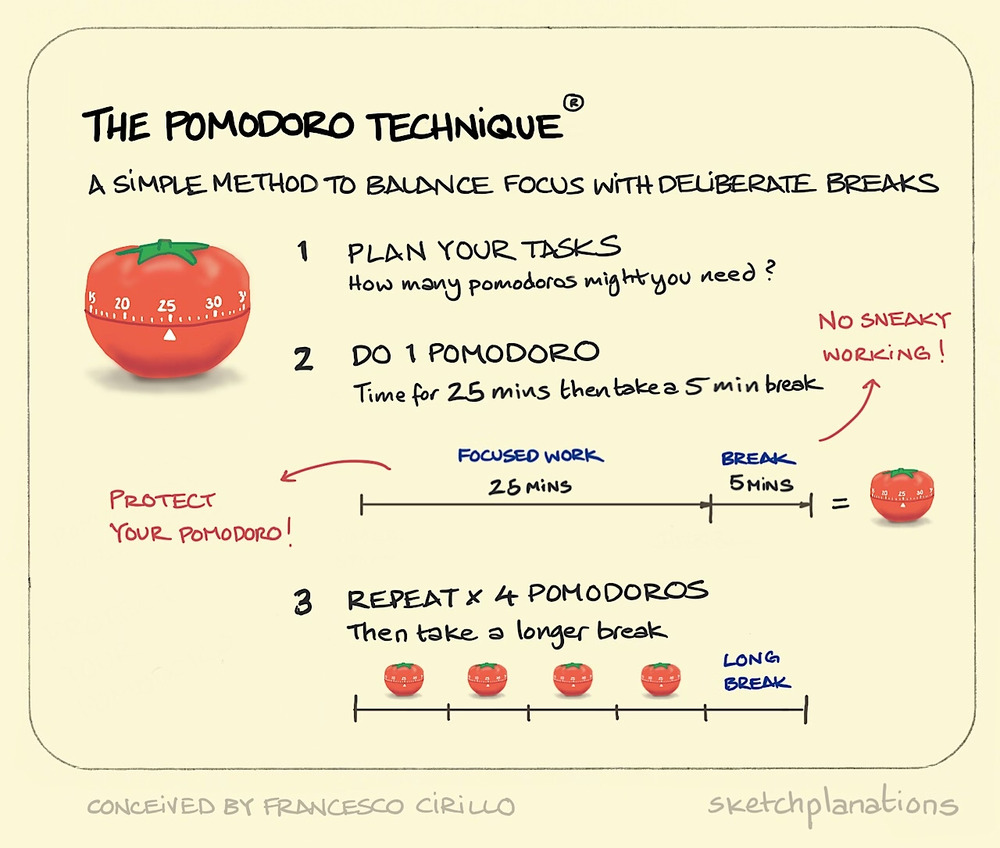
Pomodoro technique for focused work sessions
1.3 Workspace design and layout
Workspace design affects movement, focus, and communication. It is a key work element that shapes daily behavior.
Step-by-step implementation:
- Define zones:
- Focus zone: quiet, no interruptions
- Collaboration zone: open discussion areas
- Break zone: relaxation space
- Choose layout types:
- Open layout: supports teamwork
- Private layout: supports deep work
- Optimize movement flow:
- Place shared tools in central locations
- Reduce walking distance between key areas
- Reduce distractions:
- Use partitions or dividers
- Control visual clutter
Practical tip: Observe how people move in the office. Adjust layout based on real usage.
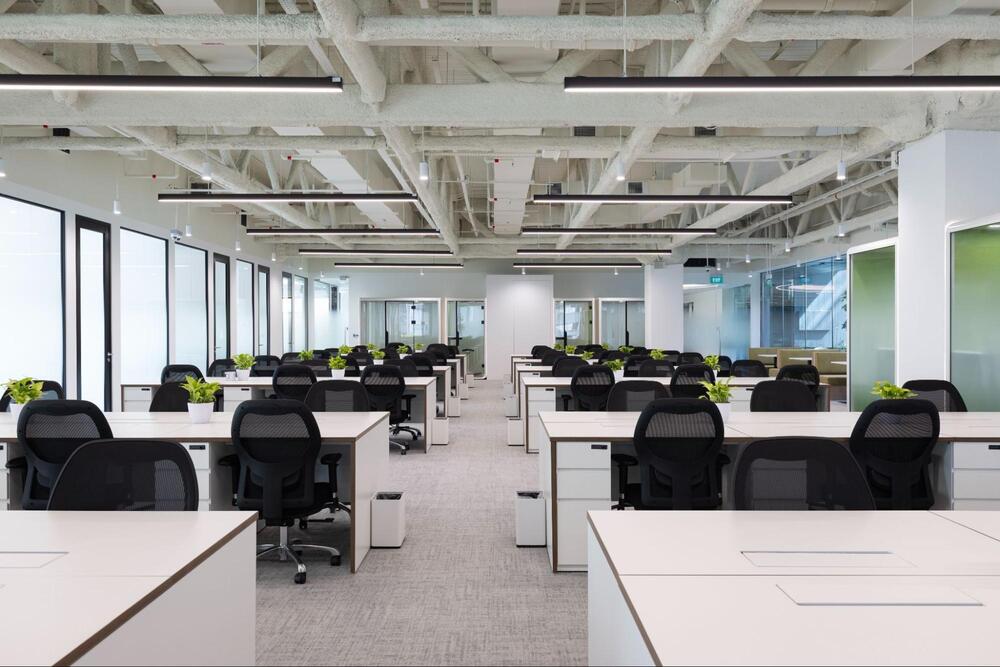
Office layout with focus and collaboration zones
1.4 Lighting and air quality
Lighting and air directly affect energy and concentration. These are measurable elements of productivity.
Step-by-step implementation:
- Improve lighting:
- Maximize natural light where possible
- Use adjustable artificial lighting
- Avoid glare on screens
- Control air quality:
- Ensure proper ventilation
- Maintain stable temperature (around 22–25°C)
- Use air filters if needed
- Apply biophilic design principles:
- Add plants to workspaces
- Use natural materials
- Follow standards:
- Reference WELL building guidelines for health-focused design
Practical tip: Ask employees about comfort levels. Adjust lighting and airflow based on feedback.
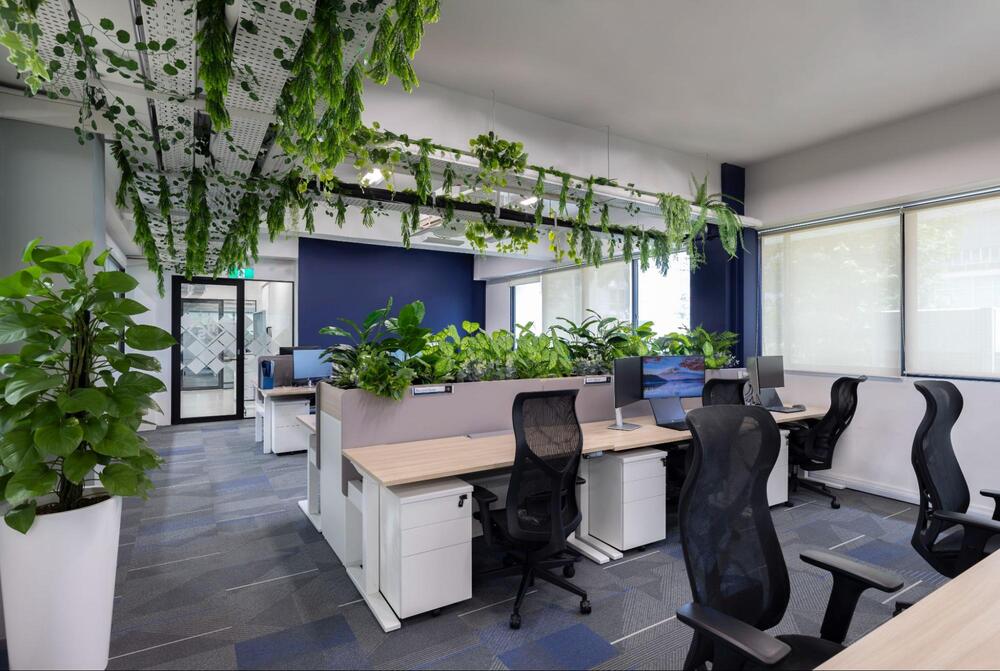
Improving air quality for better workplace focus
1.5 Ergonomics and comfort
Physical comfort impacts performance. Poor posture leads to fatigue and errors. This is a critical work element.
Step-by-step implementation:
- Set up ergonomic furniture:
- Use adjustable chairs with back support
- Ensure desk height matches elbow level
- Adjust workstation:
- Screen at eye level
- Keyboard and mouse within reach
- Train correct posture:
- Keep feet flat on the floor
- Maintain neutral spine position
- Encourage movement:
- Stand up every 60 minutes
- Use sit-stand desks if possible
Practical tip: Conduct quick workstation checks for each employee.
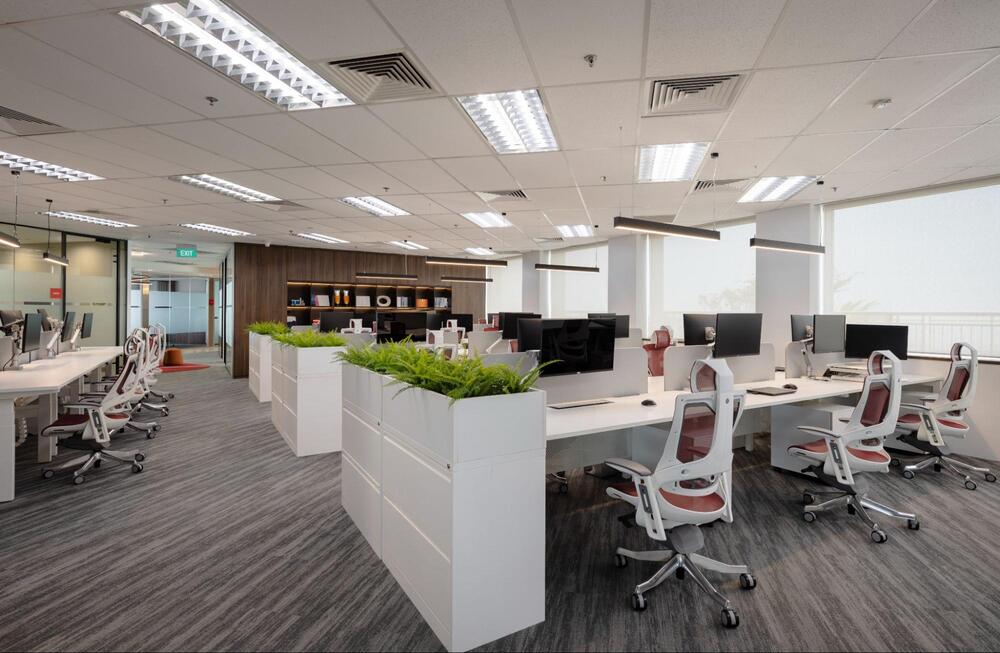
Ergonomic workstation setup for office employees
1.6 Collaboration and communication
Communication systems define how teams work together. Poor communication slows output and creates errors.
Step-by-step implementation:
- Define work modes:
- Deep work: no interruptions
- Teamwork: open communication
- Set communication rules:
- Use clear channels (email, chat, meetings)
- Define response times
- Improve acoustics:
- Use sound-absorbing materials
- Add quiet zones
- Structure meetings:
- Set agenda before meeting
- Limit meeting time
- Assign action items
Practical tip: Reduce unnecessary meetings. Replace with written updates when possible.
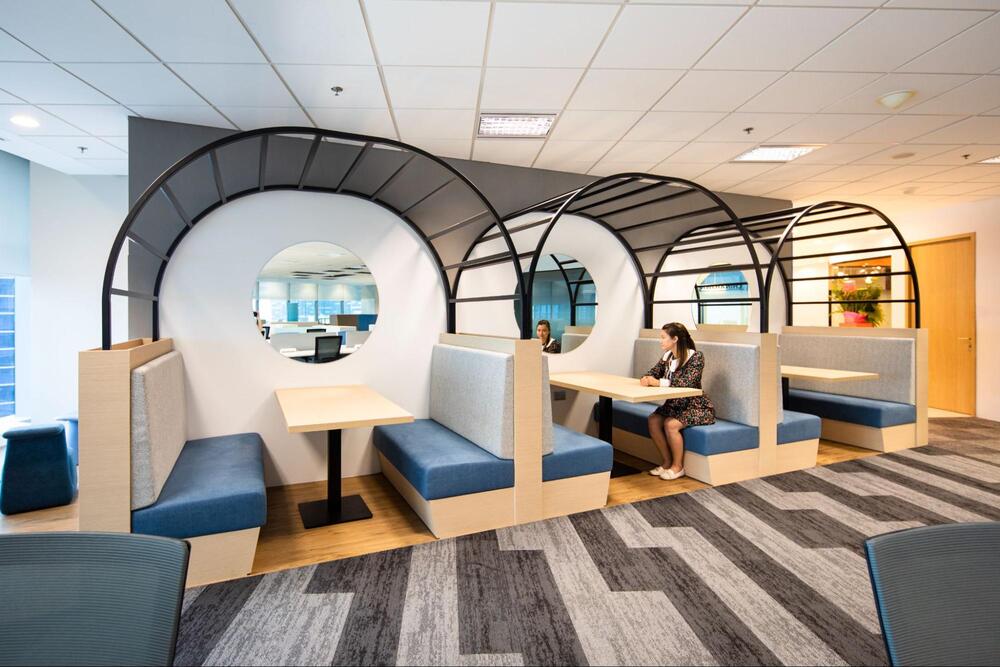
Collaborative workspace for team productivity
1.7 Technology and Digital Infrastructure
Technology supports all other elements of productivity. Poor systems create delays and errors.
Step-by-step implementation:
- Automate repetitive tasks:
- Use workflow automation tools
- Reduce manual data entry
- Use collaboration tools:
- Project management platforms
- Shared documents
- Support hybrid work:
- Enable remote access
- Use video conferencing tools
- Maintain system reliability:
- Regular updates
- Data backup systems
Practical tip: Audit tools every quarter. Remove unused systems and optimize active ones.
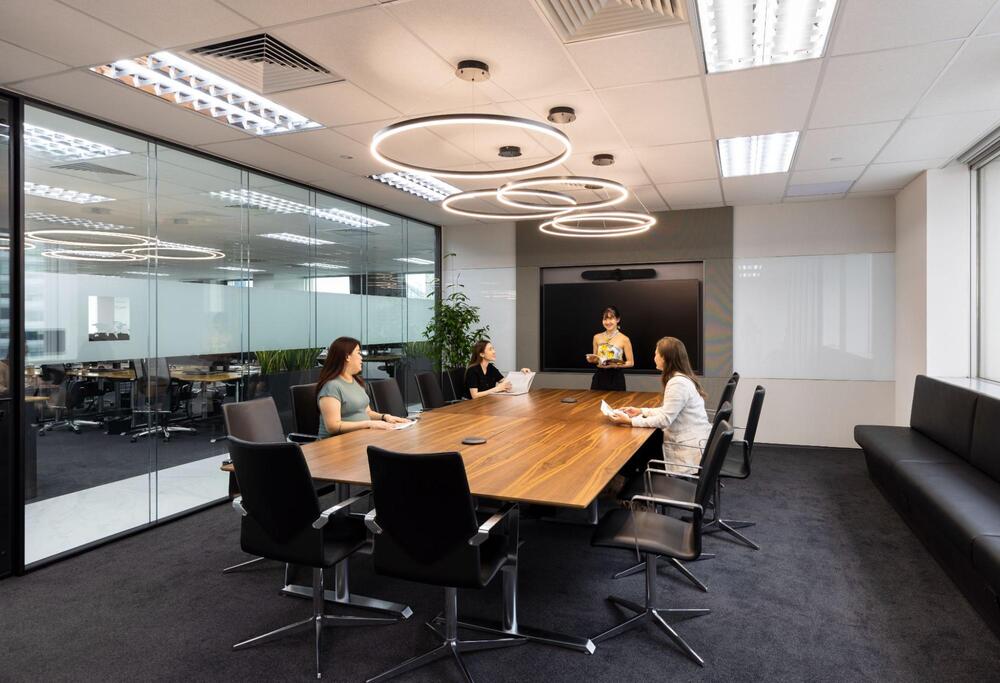
Hybrid work technology setup in modern offices
2. How to improve productivity through better workplace design?
2.1 Optimize office layout
Office layout defines how people move, interact, and focus. A poor layout creates noise and delays. A structured layout supports all work elements.
Start by dividing the office into clear zones:
- Focus zone: quiet, no interruptions
- Collaboration zone: team discussions
- Relaxation zone: breaks and recovery
Follow these steps:
1. Analyze movement patterns
- Track how employees move between tasks
- Identify high-traffic areas
2. Separate incompatible activities
- Do not place meeting areas near focus zones
- Avoid mixing phone calls with quiet work
3. Reduce travel distance
- Place shared tools near users
- Keep frequently used areas accessible
4. Control noise
- Use partitions or acoustic panels
- Add soundproof booths for calls
5. Test layout efficiency
- Ask employees for feedback
- Adjust based on real usage
Use clear pathways:
- Avoid obstacles
- Ensure smooth movement between zones
Common mistakes:
- Open layouts with no noise control
- Too many meeting spaces
- Unused areas due to poor planning
A well-zoned layout improves focus and reduces wasted time. It aligns physical space with daily tasks, which strengthens the elements of productivity.
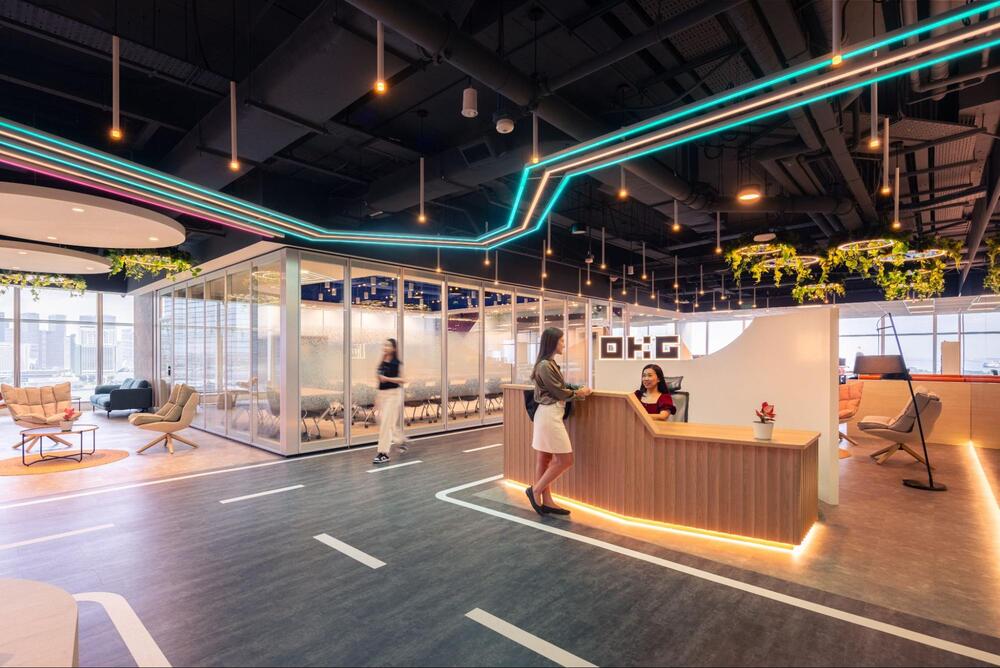
Zoning office layout for focus and collaboration
2.2 Integrate biophilic elements
Biophilic design connects the workspace with natural elements. This improves mental focus and reduces stress. It supports key work elements such as energy and well-being.
Start with simple changes:
- Add indoor plants
- Use natural materials like wood
- Increase access to natural light
Step-by-step implementation:
1. Assess current environment
- Check light levels
- Identify areas with poor air quality
2. Introduce greenery
- Place plants near workstations
- Use low-maintenance species
3. Use natural materials
- Replace synthetic finishes where possible
- Add wood or stone elements
4. Improve daylight access
- Remove barriers blocking windows
- Use glass partitions
5. Monitor impact
- Track employee feedback
- Observe changes in focus levels
Benefits:
- Better concentration
- Reduced fatigue
- Improved mood
Keep the design practical:
- Do not overcrowd with plants
- Ensure easy maintenance
Biophilic design supports long-term performance. It strengthens both physical and mental aspects of the elements of productivity.
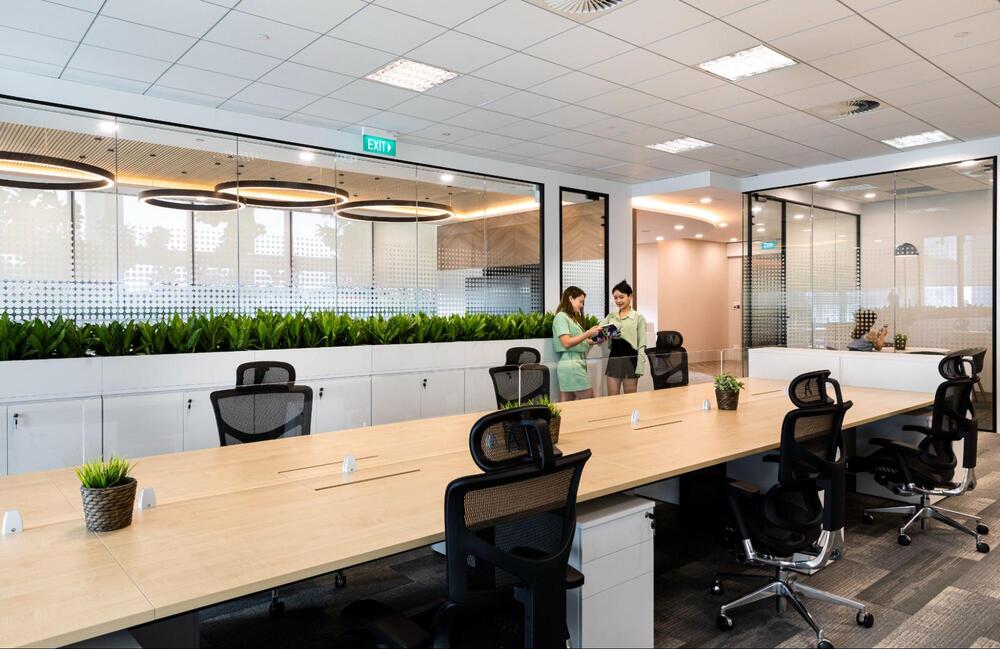
Office design with indoor plants and natural materials
2.3 Invest in ergonomic furniture
Ergonomic furniture supports posture and reduces strain. Poor setup leads to fatigue and injury. This directly affects output.
Focus on essential items:
- Adjustable chairs
- Height-adjustable desks
- Monitor stands
Follow these steps:
1. Evaluate current furniture
- Identify discomfort issues
- Check adjustability
2. Set ergonomic standards
- Chair supports lower back
- Desk allows neutral posture
3. Adjust workstation setup
- Monitor at eye level
- Feet flat on the floor
- Wrists in neutral position
4. Train employees
- Show correct sitting posture
- Encourage regular movement
5. Review regularly
- Collect feedback
- Replace unsuitable furniture
Common issues:
- Fixed desks
- Poor chair support
- Incorrect screen height
Fixing ergonomics improves comfort and reduces errors. It supports consistent performance across all work elements.
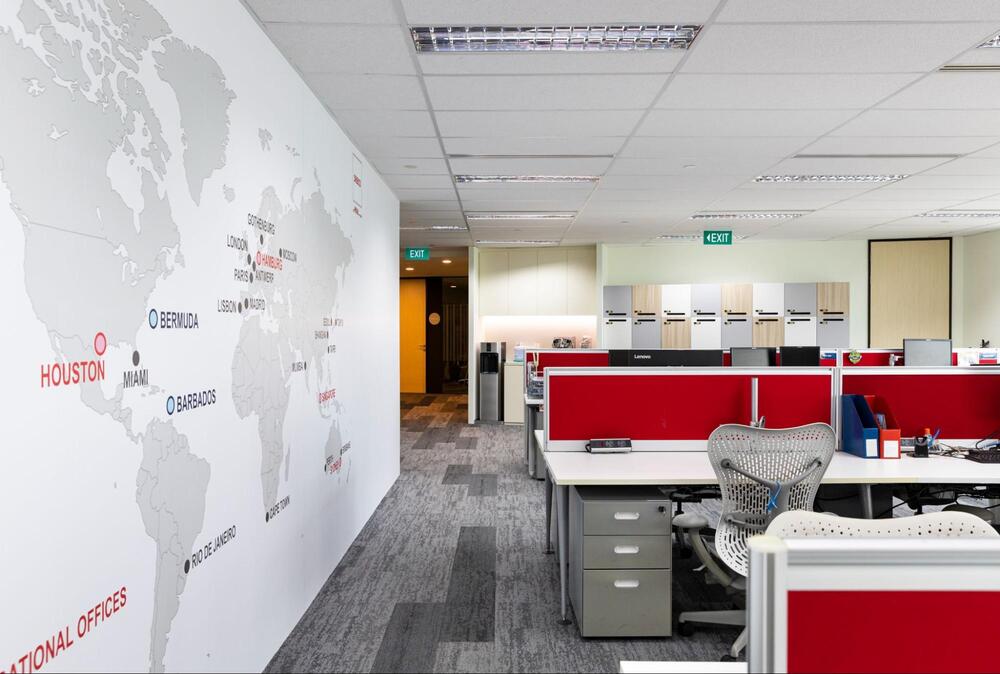
Ergonomic chair for long working hours
2.4 Use flexible and hybrid spaces
Flexible spaces allow employees to choose where they work. This improves efficiency and space usage. It supports modern work elements such as adaptability and collaboration.
Types of flexible spaces:
- Hot-desking areas
- Modular meeting rooms
- Multi-purpose zones
Steps to implement:
1. Identify usage patterns
- Track desk occupancy
- Measure meeting room use
2. Reduce fixed seating
- Replace assigned desks with shared spaces
3. Introduce modular design
- Use movable furniture
- Allow quick reconfiguration
4. Support hybrid work
- Provide remote collaboration tools
- Ensure strong internet access
5. Set clear usage rules
- Booking systems for desks and rooms
- Clean desk policy
Benefits:
- Better space efficiency
- Lower real estate cost
- Improved employee flexibility
Avoid:
- Lack of structure
- No booking system
- Overcrowded shared spaces
Flexible design allows the office to adapt to different tasks. It strengthens multiple elements of productivity at once.
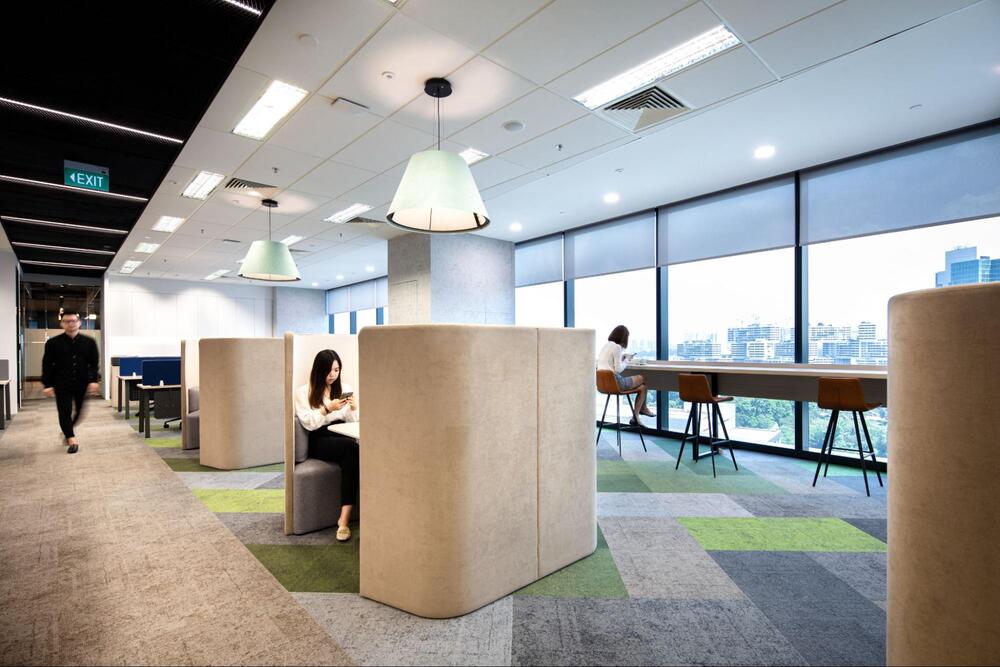
Flexible workspace with hot desking system
2.5 Work with experts like OSCA
Professional support reduces risk and improves results. Workplace design involves planning, execution, and testing. Experts help align all work elements into one system.
OSCA provides:
- Design & Build services
- Workplace strategy
- Project management
- Office renovation
Follow this process when working with experts:
1. Define business goals
- Increase productivity
- Improve employee experience
2. Request a workplace assessment
- Analyze current layout
- Identify gaps
3. Develop a design strategy
- Align space with work modes
- Plan zoning and furniture
4. Execute the project
- Manage construction
- Ensure timeline and budget control
5. Monitor post-implementation
- Measure performance
- Adjust where needed
Benefits of working with OSCA:
- Integrated design and execution
- Focus on productivity and function
- Structured project delivery
A professional approach ensures that all elements of productivity work together. This leads to measurable improvements in output and efficiency.
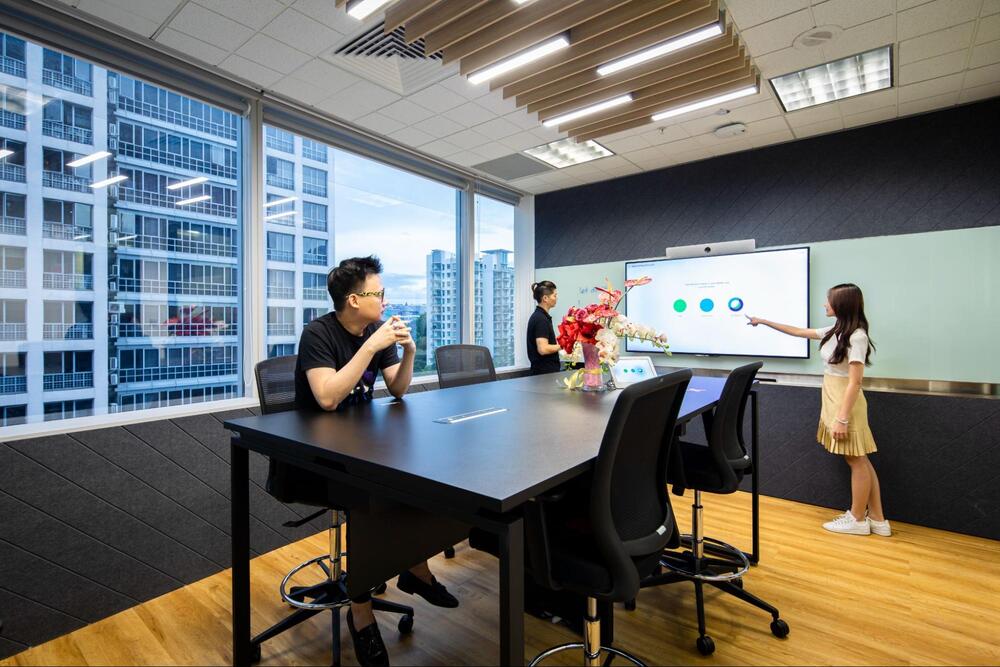
Office design and build by OSCA for better productivity
Improving performance is not about one single change. It requires a system where all elements of productivity work together. When these work elements are aligned, teams produce better results with fewer errors and less stress. Start with a simple audit, apply changes step by step, and measure results over time. For companies that want faster and more structured outcomes, working with experts like OSCA can help align design, strategy, and execution into one system.